• Admissions Open for 2026 Batches
  • 11, Ranga St, Kadaperi, Tambaram, Tamil Nadu 600045
  • 082486 39844
Follow Us:
MAAC Tambaram
Professional Program in 3D Animation & Maya

MAYA PROFESSIONAL

Model. Animate. Bring 3D Worlds to Life.

144 Hours Course Duration
Industry Certificate Certification
Fast-Track Learning
Autodesk & Arnold Core Tools

Maya Professional is a focused short-term program built around Autodesk Maya, covering 3D modeling, rigging, animation, dynamics, lighting, and rendering.

Designed for aspiring 3D artists, animators, and creative professionals, the course helps you develop practical skills for film, television, VFX, animation, and game production workflows.

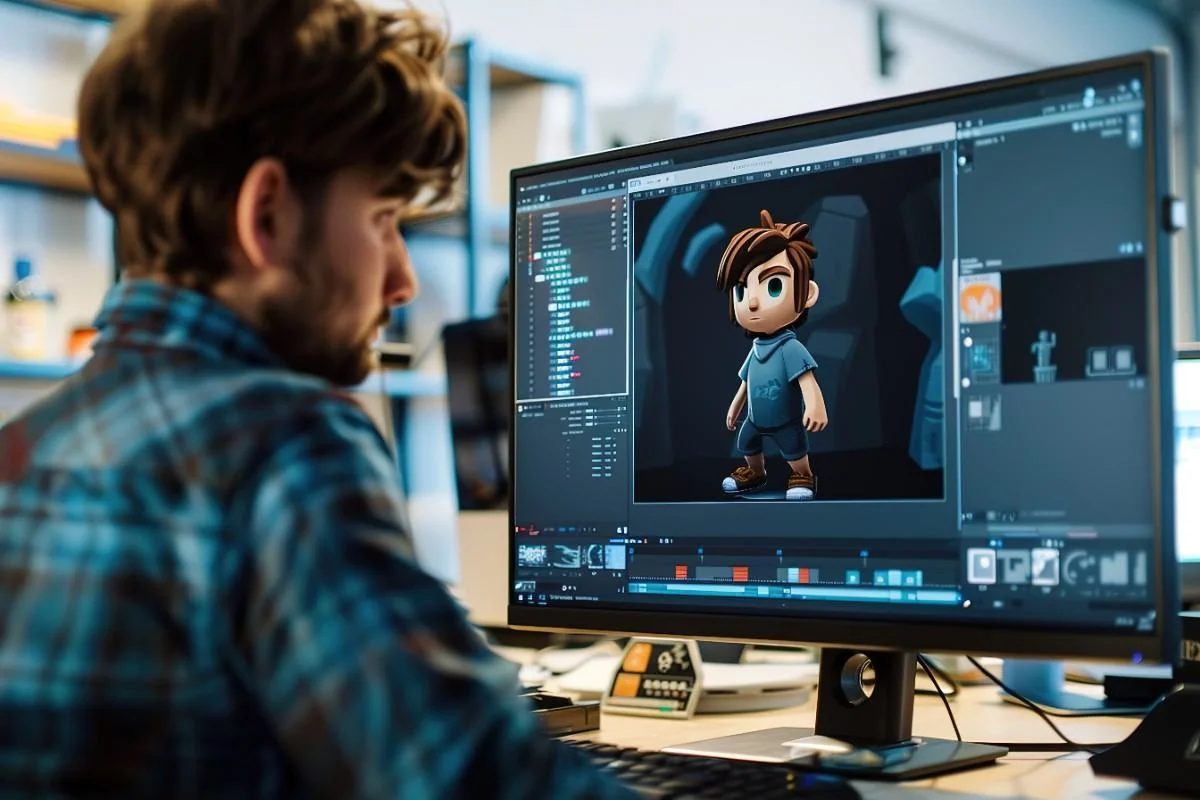
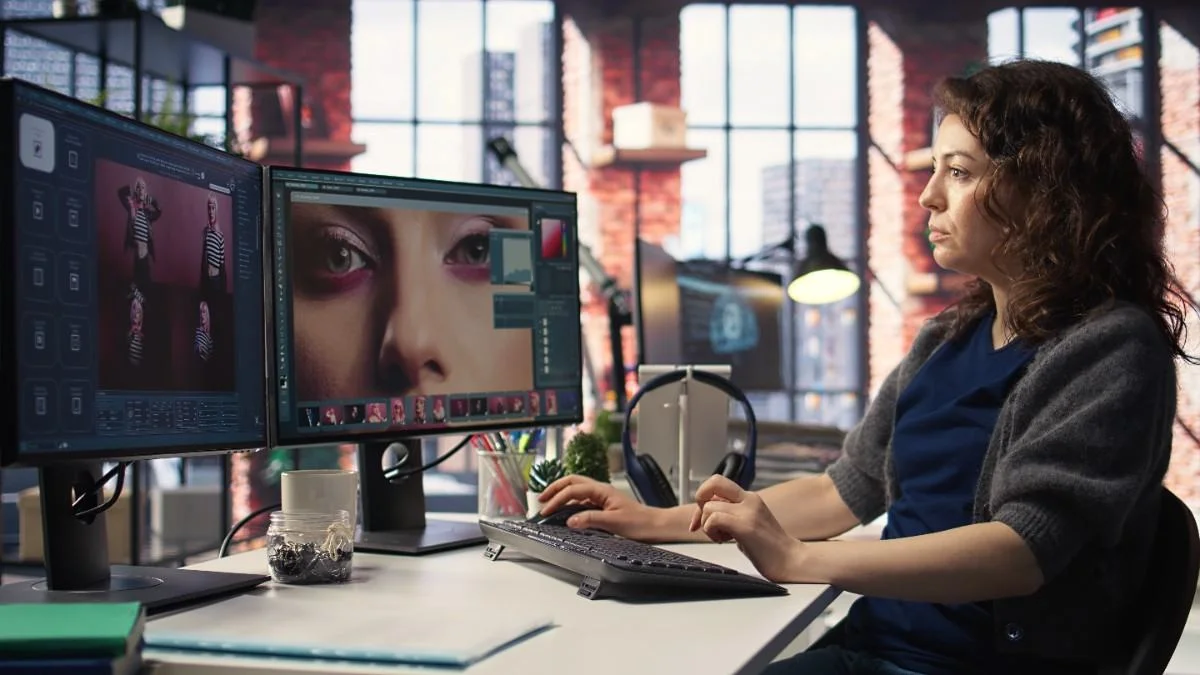
Maya Professional Course at MAAC Tambaram
Industry Standard Autodesk Maya • Arnold • Rigging
Short-Term Track 144 Hours • Certificate
What is Maya Professional at MAAC Tambaram
Modeling • Rigging • Character Animation
Program Overview

What Is Maya Professional?

Maya Professional is an intensive 144-hour course that takes you from the fundamentals of Autodesk Maya to advanced 3D production techniques.

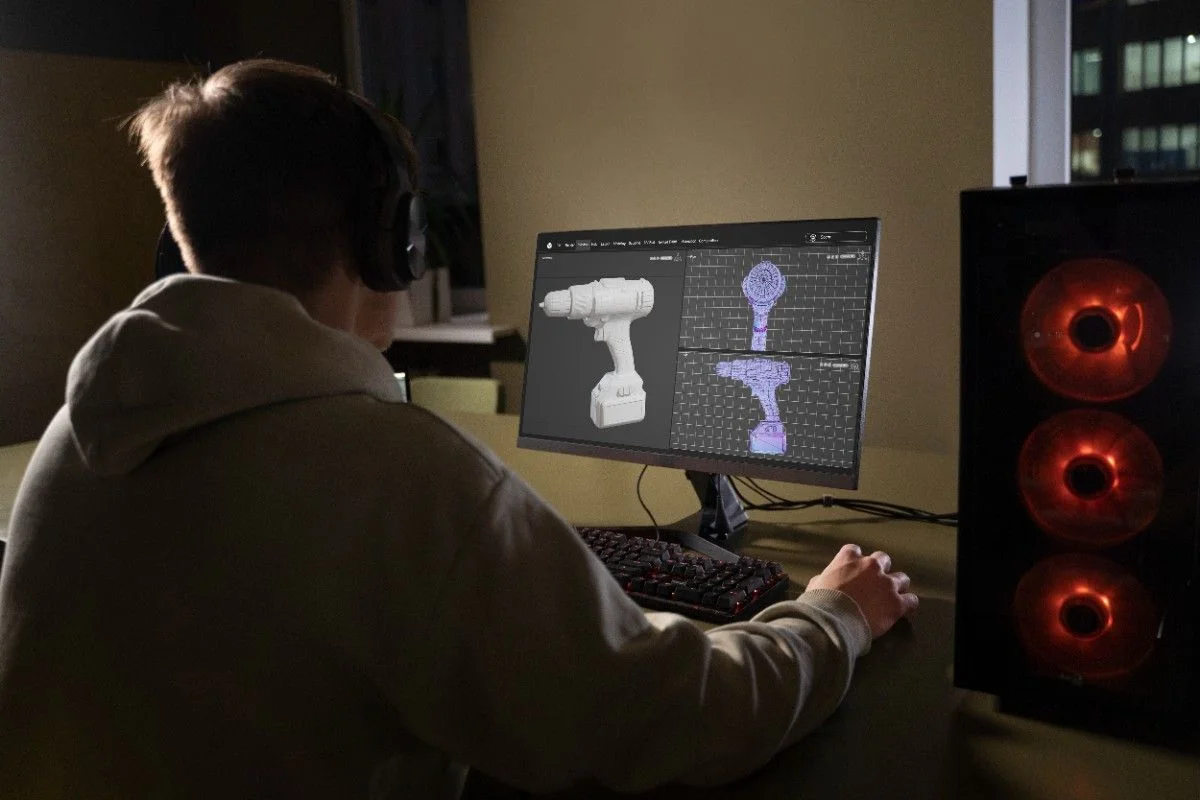
Learn how to create 3D models, develop UVs and textures, build character rigs, animate characters, create simulations, set up professional lighting, and render scenes using Arnold.

If you're looking for a focused Maya course in Chennai, this program provides a practical way to develop specialized Autodesk Maya skills.

Complete Maya Production Pipeline

From hard-surface & organic modeling, UV unwrapping, and character rigging to keyframe animation, dynamic simulation, and Arnold rendering.

Core Skills

Build Your
3D Foundation

Master the core principles of 3D modeling, UV unwrapping, character rigging, and animation fundamentals in Maya.

01

Maya Interface & Workflow

Understand Maya's interface, project setup, tools, shelves, and production workflow.

02

Polygon & NURBS Modeling

Learn hard-surface and organic modeling techniques for creating detailed 3D assets.

03

UV Mapping & Texturing

Explore UV unwrapping, texture preparation, and surface detailing for 3D models.

04

Rigging Fundamentals

Learn joint chains, IK/FK systems, skinning, and deformers for character setup.

05

Animation Principles

Understand keyframing, the Graph Editor, timing, spacing, and fundamental animation principles.

Advanced Skills

Take Your Maya
Skills Further

Explore performance animation, dynamic cloth and particle simulations, cinematic lighting, Arnold rendering, and scripting.

Character Animation

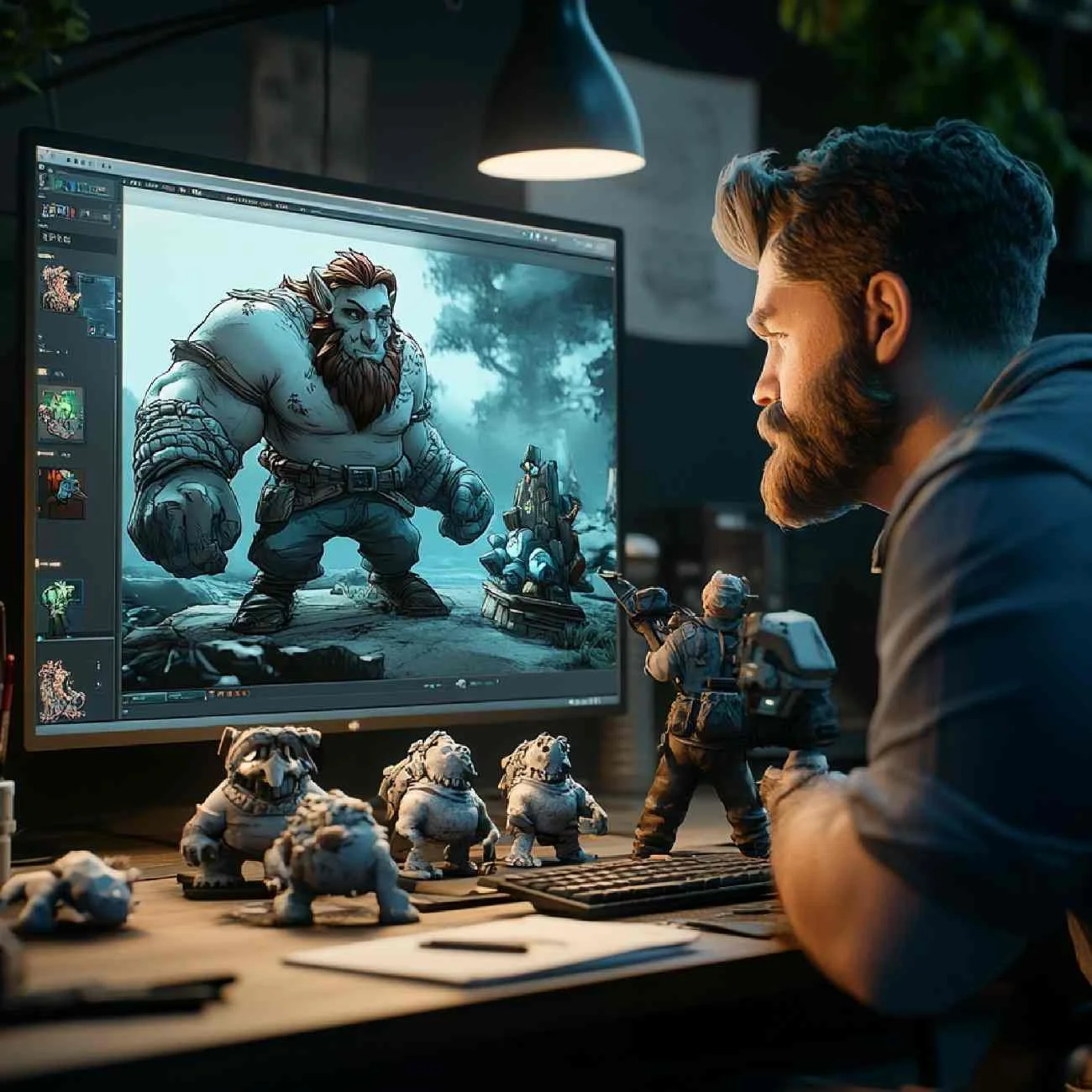
Create walk cycles, facial expressions, lip-sync, and performance-based character animation.

Dynamics & Simulation

Explore nParticles, nCloth, fluids, rigid bodies, and other dynamic simulation workflows.

Arnold Rendering

Learn professional rendering workflows using Arnold shaders, materials, and lighting.

Lighting Techniques

Create effective lighting setups for polished, cinematic 3D scenes.

MEL Scripting Basics

Understand basic MEL scripting concepts to automate repetitive Maya tasks.

Build 3D Animation Skills with Maya at MAAC Tambaram
Character Rigging • Animation • Arnold
Practical Application

Build Your 3D
Animation Skills

Autodesk Maya is used across multiple creative production workflows, from character animation and modeling to lighting, rigging, and effects.

At MAAC Tambaram, the course focuses on building practical skills that allow you to move from individual Maya tools to complete 3D production tasks.

For students exploring 3D animation courses in Chennai, Maya Professional can also serve as a focused software-specialization pathway.

Industry-Aligned Training

Develop character performance, rigging setups, dynamic simulations, and cinematic render passes ready for production studios.

Industry Tools

Software
You'll Learn

Master the standard creative toolkit used across premier film, television, VFX, and game animation studios.

3D Models, Rigs & Animation Autodesk Maya
Photorealistic Rendering Arnold Renderer
Texture & Post-Production Adobe Photoshop
Detailed PBR Materials Substance Painter

Complete Production Toolkit: Autodesk Maya for 3D modeling, rigging, and animation; Arnold Renderer for realistic lighting and rendering; Adobe Photoshop and Substance Painter for detailed textures and materials.

From Modeling to Character Animation at MAAC Tambaram
ANIMATE
Production Workflow

From Modeling to
Character Animation

A professional 3D workflow involves multiple connected stages. Maya Professional helps you understand how these skills work together.

Model UV Texture Rig Animate Light Simulate Render

This foundation can support creative work across animation, VFX, film, television, gaming, and digital content production.

Integrated 3D Pipeline

Learn how every stage of Maya's production pipeline connects seamlessly to produce broadcast and film-quality animated sequences.
Why MAAC Tambaram

Why Choose Maya Professional
At MAAC Tambaram?

Focused 144-Hour Program

Learn Autodesk Maya through a structured 144-hour intensive training curriculum.

Practical 3D Modeling Skills

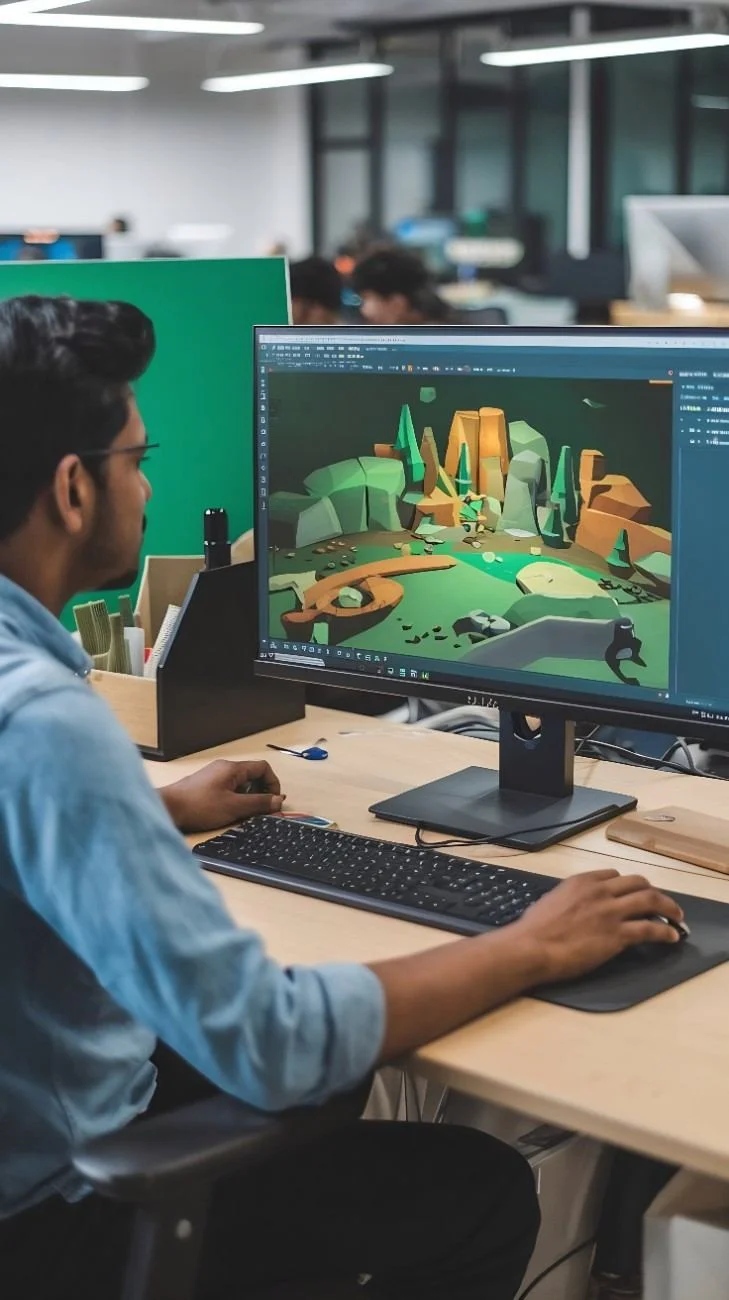
Build hard-surface and organic modeling skills for characters, props, and environments.

Rigging & Animation

Learn character skeleton setup, skinning, deformers, and character animation.

Dynamics & Simulation

Explore nParticles, nCloth, fluids, and dynamic simulations in Maya.

Professional Lighting

Develop lighting skills to create dramatic and cinematic visual moods.

Arnold Rendering Workflows

Learn Arnold shaders, physical cameras, sampling, and final render outputs.

UV Mapping & Texturing

Understand UV unwrapping and texture creation with Photoshop and Substance.

Industry-Relevant Tools

Work with standard creative tools including Maya, Arnold, Photoshop, and Substance.

Practical Portfolio Projects

Build practical portfolio projects demonstrating your modeling and animation abilities.

Industry Certificate

Receive a recognized industry certificate upon successful course completion.

Career Guidance

Get professional career guidance and placement assistance from MAAC Tambaram.

Who is Maya Professional for at MAAC Tambaram
MAAC Tambaram Autodesk Maya • Character Animation • Rigging • Arnold
Target Audience

Who Is Maya Professional For?

This course is suitable for:

Aspiring 3D artists
Animation students
Character animation enthusiasts
3D modeling beginners
VFX aspirants
Game art enthusiasts
Creative professionals adding 3D skills
Students looking for Maya classes near me
Anyone interested in a specialized Maya course in Chennai

You can begin with foundational knowledge and progressively develop your Maya skills through structured training.

Build your Maya 3D portfolio at MAAC Tambaram
Showcase Your Talent

Build Your
3D Portfolio

Turn your Maya skills into portfolio-ready work through practical projects.

Your portfolio can include:

3D Modeling Projects Character Models UV & Texturing Projects Character Rigs Animation Exercises Walk Cycles Facial Animation Dynamic Simulations Lighting Studies Arnold Renders

A strong portfolio can help demonstrate your technical skills and creative understanding to potential employers and clients.

Industry Applications

Maya for Film,
VFX & Games

Maya provides a versatile foundation for several areas of digital content creation.

Its capabilities in 3D modeling, character animation, rigging, dynamics, lighting, and rendering make it useful for creating characters, environments, visual effects, and animated sequences.

Whether your goal is animation, VFX, or game art, learning Maya gives you a strong technical foundation for 3D production.

Maya Professional for Aspiring 3D Artists

If you want to work with characters, environments, animation, or 3D visual effects, Maya Professional provides a focused route to developing your software and production skills.

The program combines fundamental workflows with advanced techniques so you can gradually build confidence and create work for your portfolio.

Maya Professional Careers at MAAC Tambaram
Maya Career Roles Character Animator • 3D Modeler • Lighting Artist • Rigging Artist • FX Artist • Texture Artist • 3D Generalist
Related Programs

Explore More
Short-Term Courses

Want to expand your creative and technical skills? Explore other specialized programs at MAAC Tambaram.

144 Hours

3ds Max Pro

3D Architectural & Design

A focused program for learners interested in 3D design and Autodesk 3ds Max.

Explore 3ds Max Pro
120 Hours

Digital Filmmaking

Video Production & Editing

A short-term program designed for learners interested in digital filmmaking and video production.

Explore Filmmaking
120 Hours

Adobe Design Specialist

Graphic Design & UI/UX

Master Photoshop, Illustrator, InDesign, Adobe XD, and UI/UX design in a fast-track program.

Explore Adobe Design
Got Questions?

Frequently Asked Questions

Everything you need to know about the Maya Professional program at MAAC Tambaram.

Maya Professional is a 144-hour short-term program covering 3D modeling, UV mapping, texturing, rigging, animation, dynamics, lighting, and rendering.
You will learn Maya workflows including polygon and NURBS modeling, UV mapping, texturing, rigging, animation, character animation, dynamics, lighting, Arnold rendering, and basic MEL scripting.
The program focuses on Autodesk Maya and Arnold Renderer, supported by Adobe Photoshop and Substance Painter for texturing and related workflows.
Yes. The course begins with Maya fundamentals and progressively introduces more advanced modeling, rigging, animation, simulation, lighting, and rendering techniques.
Yes. You can create portfolio projects involving modeling, character setup, animation, texturing, lighting, simulations, and final renders.
Depending on your skills and portfolio, you can explore roles such as Character Animator, 3D Modeler, Lighting Artist, Rigging Artist, FX Artist, Texture Artist, and 3D Generalist.
Free Career Counselling & Portfolio Review

Enquire About Maya Professional Course

Speak with our MAAC Tambaram counsellors for course guidance, batch schedules, and fee details.

Practical Project-Based Training

Learn using studio-grade pipelines, digital tablets, and professional software.

Expert Mentorship & Guidance

Continuous feedback on your artwork, 3D modeling, animation, and video edits.

Portfolio & Career Support

Assistance with demo reel compilation, resume reviews, and interview prep.

Prefer to call us directly?

082486 39844
Tambaram Campus

Request Course Information

Fill out the quick form below and our team will get in touch with you shortly.

Thank you! Your enquiry has been received. Our counsellors will contact you shortly.

Your information is kept strictly confidential. We will never spam you.

MAAC Tambaram

Model. Animate.
Bring 3D Worlds to Life.

Learn Autodesk Maya at MAAC Tambaram with training in 3D modeling, rigging, animation, dynamics, lighting, and Arnold rendering.

WhatsApp Us Call 082486 39844